Web Accessibility

Written by
Madeleine Baud
Copywriter / Brand Strategist
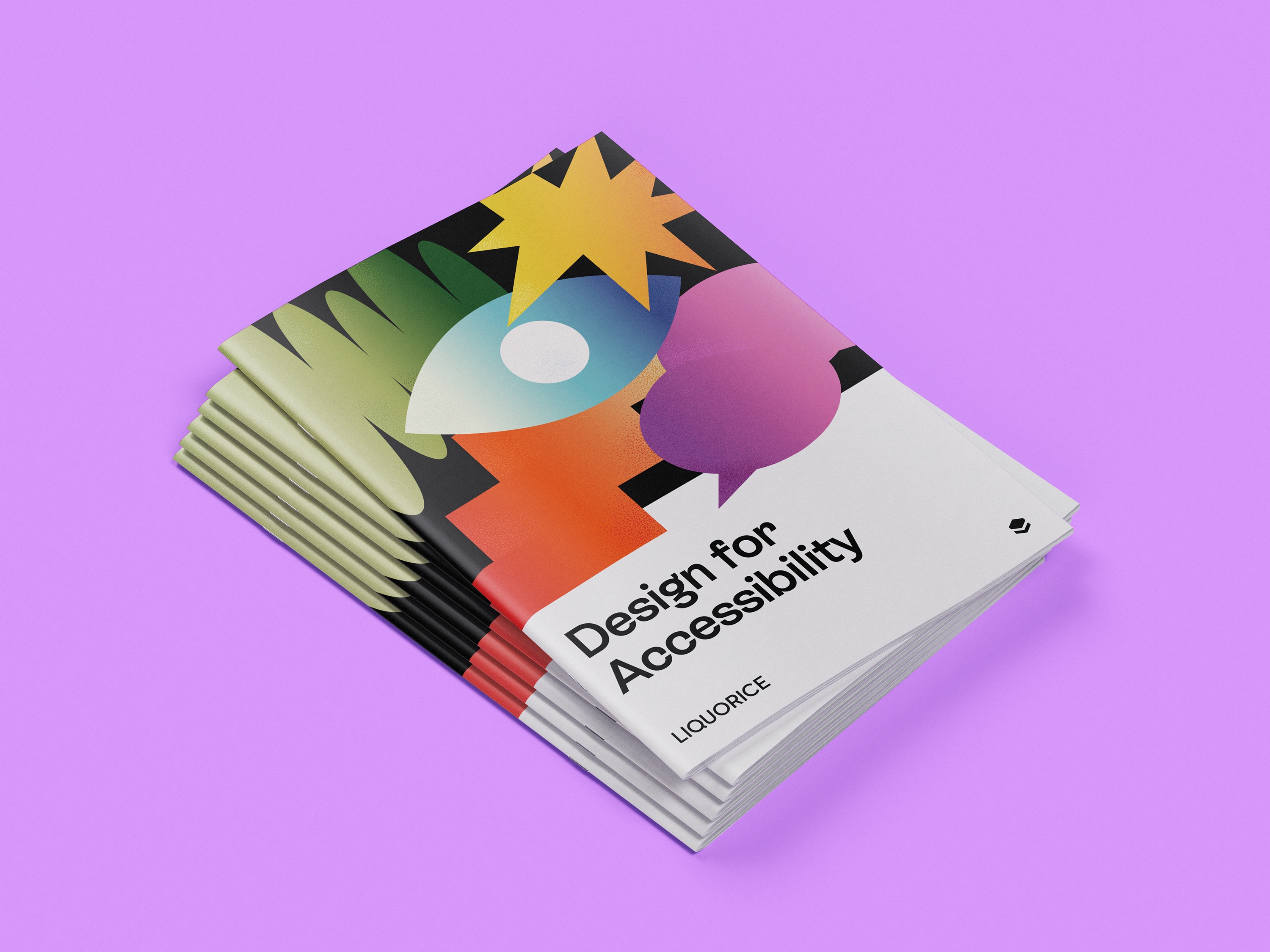
Wireframes that look like grey boxes, acronyms like CMS and UAT being thrown around, multiple rounds of feedback, and lots of decisions to make, often sooner than you’d expect. At Liquorice, we’ll guide you through the process every step of the way. But we’ve also learned that having a clear, plain-English guide can make a big difference, for you, for us, and for the project as a whole.
This isn’t a technical manual or a rigid rulebook. It’s a simple, transparent explanation of how a website project works, plus a few insider tips to help things run smoothly.
This guide is here to:
So grab a coffee, have a read, and keep this guide nearby as your project rolls out. We promise it’ll come in handy.
This guide is for you. Whether you’re a marketing manager, CEO, brand lead or internal comms team, chances are you’ve got a lot on your plate, and building a new website is just one part of your job. This guide will help you feel more confident and in control, even if this is your first time working on a website project.
You don’t need to be tech-savvy or design-literate, we’ll take care of that part. You just need to know your organisation, your audiences and your goals. We’ll bring the rest.
Every project is different (just like every organisation is different), but most website projects include the following stages:

At this stage, we’re laying the foundations—defining your site’s structure, content needs and user priorities. We’ll map out what your audiences care about, what actions they need to take, and how to organise information in a way that’s clear and intuitive. A strong plan now sets us up for a smoother design and build later on.

Here’s where things start to get visual, but we don’t jump straight to pretty.
This stage is all about testing ideas before we move into full design.
We use wireframes and prototypes to map out how users will navigate and interact with your site, and, if your project includes it, we bring in real users to test those flows. It might feel strange that user testing isn’t part of the initial research stage, but it works best here because we’re testing structure and usability once there’s something tangible to interact with.
*if scope includes User Testing
Once wireframes are finalised, it’s time to bring your brand to life. Here we layer on visual design – colours, typography, imagery and other elements that make your site feel distinctly yours. You’ll see polished page templates and have opportunities to provide feedback before we hand everything over to our developers for build
If user research and/or testing is part of your project scope, it will start around this stage—though it can feel like it belongs earlier. No two projects are the same. Sometimes we start by running usability tests on your current website to validate assumptions and inform the design with insights from real users.
Other times we might start with User Research – this could involve 1-on-1 interviews, surveys, focus groups, surveys, etc. These activities aren’t part of every project—they depend on budget, timeline, and goals. But when they are included, they can be a game-changer. They help us design with real insight, not just intuition.
Hot tip: If you’ve already done research or have access to audience insights, bring them to the table. The more we know about your users, the better the outcome.

Our developers turn approved designs into a working website, using clean, scalable code and modern frameworks. We set up your CMS, test for accessibility and performance, and make sure everything works seamlessly across devices. From front-end animation to back-end logic, we’re bringing the design to life.

With the site built, we move into final checks, content population, and QA. You’ll review everything in a staging environment, where we can test functionality and make final adjustments before launch. Once it’s polished and approved, we’ll hit go—and your new website is live.
A website project is a collaboration. While our team handles the design, tech, strategy and build, your input, decisions and feedback shape the final outcome. You don’t need to know how to code or critique typefaces (that’s our job), but your role is still crucial, especially when it comes to clarity, timing, and communication.
You know what your audiences care about, what’s worked in the past (and what hasn’t), and where the red tape lives. We rely on you to bring that insight to the table.
There are key points in every project where we’ll need your input, decisions or sign-off before we can move forward. Delays here can snowball, so timely responses are gold.
Hot tip: If multiple stakeholders are involved, nominate a single point of contact or decision-maker. It keeps feedback clear, consistent and avoids the dreaded “too many cooks” scenario.
We’ll guide you through every step, from wireframes to final designs. When it’s time to review something, we’ll explain what we’re showing you, what kind of feedback is most useful, and when we’ll need it.
If your team needs to consolidate feedback internally first, no problem, just let us know. We’re happy to build that into the plan.
In most projects, you’ll be responsible for supplying content: either all of it, or in collaboration with us. The earlier this gets moving, the better. Content delays are one of the biggest blockers to launch dates. We’ll support you with structure, tone of voice guidance, and helpful templates if needed.
Hot tip: We’ll guide you through your wireframes, explain what you’re looking at, and help you know what’s in (and out of) scope for this stage.
Good feedback saves time, money and stress. Here’s how to do it well:

When you first see a wireframe, you might wonder if something’s gone wrong. No colour. No images. No branding. Just a bunch of grey boxes and squiggly lines.
Totally normal.
A wireframe doesn’t show design, it shows the structure of your website before we bring in the design magic. It’s where we make decisions about layout, flow and functionality, not fonts, colours or copy.
So, what is a wireframe?
Think of it as:
It’s built mobile-first, meaning we start with how it looks and works on a phone. That’s because most of your audience will experience your site there first.
Hot tip: another way to think of it is to imagine you’re building a house. Wireframes are the floorplan, design is interior styling, and development is construction. We need to get the walls and plumbing in the right place before picking the wallpaper.
Wireframes
A black-and-white layout showing the structure of a page, like a floorplan.
Prototype
A clickable demo of your site before development
CMS
Content Management System. The tool you’ll use to edit your website (we use Craft CMS).
Headless
A tech setup that separates front-end and back-end for faster, more flexible sites.
Staging site
A private version of your website for testing before launch
IA
Information Architecture, the structure of your site’s pages and navigation
WCAG
Web Content Accessibility Guidelines, used to ensure your site works for everyone
UAT
User Acceptance Testing, you check that everything works as expected before going live
SEO
Search Engine Optimisation, helps people find your site on Google.
What if our content isn’t ready on time?
It can delay launch. Start early! We can help with structure and templates.
Can we skip wireframes?
Not recommended. They save time later and avoid messy redesigns.
Why do we design mobile-first?
Because that’s where most users start. We always expand to desktop too.
Can we make changes during development?
Small tweaks, yes. Big changes, not so much, it’s best to finalise things during design.
Will I be able to update the website myself?
Yes! We use Craft CMS, which is super user-friendly. We’ll train you.
What happens after launch?
You get a 3-month warranty period for fixes. After that, we can discuss ongoing support if needed.

Here is a sample wireframe that incorporates a lot of standard features you’ll likely encounter in your own designs.
Why do we need User Research for our website?
Because your customers don’t always see your business the way you do. Research helps us understand their needs, frustrations, and behaviours so we can design a website that works for them — not just one that looks good.
Why pay for User Research if I already know what I want?
Your vision is valuable, and research supports it. Think of it as a safety net — confirming ideas, revealing blind spots, and ensuring the site works for real users, not just the team building it.
How do you do the User Research?
With simple, practical methods like short surveys, interviews, or competitor reviews. The goal is clear insights we can apply directly to design.
What is User Testing?
It’s when real people try out the site before launch. Their feedback shows what works and what needs improvement.
When does User Testing happen?
At different stages — from testing your current site, to early wireframes, to the nearly finished version. This ensures usability throughout the process.
Who do you use for testing?
We recruit participants who reflect your real users. You can suggest customers or staff, but external testers usually give more unbiased results.
Doesn’t this add more time and cost?
A little — but fixing issues after launch costs far more. Testing means your site goes live already aligned to users’ needs, saving time and money long-term.
Building a website is a big project, but it doesn’t have to feel overwhelming. We’re here to guide you every step of the way. And now that you know what to expect, you’re already ahead of the game. Let’s build something great together.
Download our pdf guide
Liquorice is a brand and digital agency in Naarm / Melbourne. We live and work on the lands of the Wurundjeri people. We acknowledge their ownership of the land and pay our respects to their Elders past and present.
Ring the doorbell
L8, 607 Bourke St,
Melbourne, VIC 3000
Get in touch
© Liquorice 2025